Set Up a Subdomain
shop.yourdomain.com or blog.yourdomain.com , lets you run a separate section of your site under your existing domain without registering a new one.
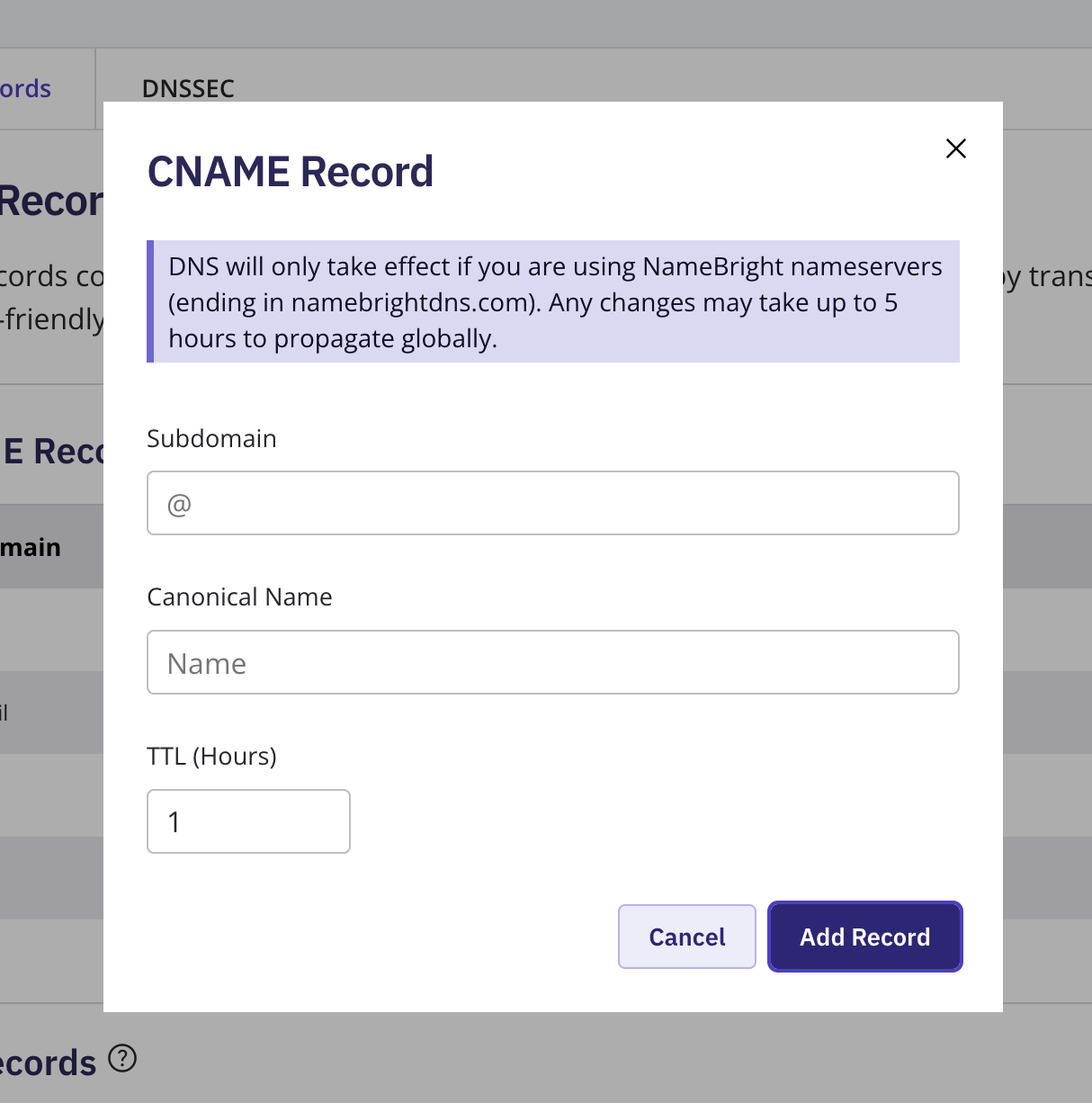
Log in to your NameBright account. Go to Domain Manager and select a domain. Under the DNS section, select Manage DNS Records . Select Add New DNS Record . Choose A to point the subdomain straight at a server's IP address, or CNAME to alias it to another hostname, then select Continue . Enter the subdomain as the Hostname (for example, shop) and the appropriate value.Set the TTL and select Add Record .