Enable DNSSEC for a Domain
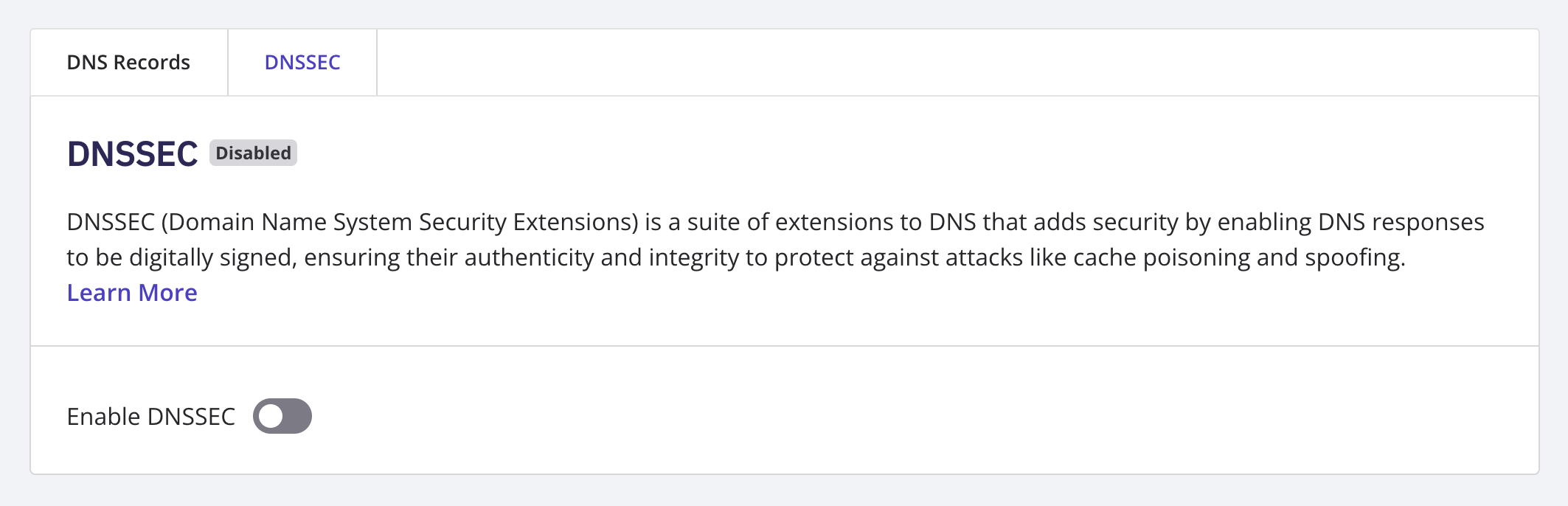
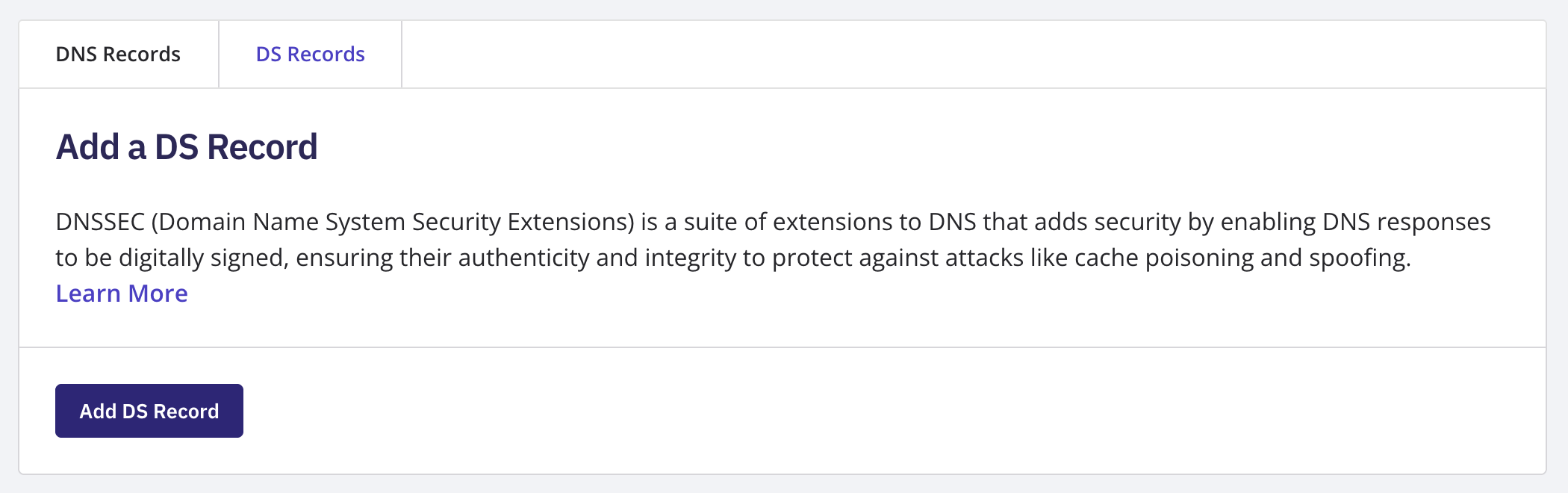
Log in to your NameBright account. Go to Domain Manager and select a domain. Under the DNS section, select Manage DNS Records . If your domain uses NameBright's nameservers, select the DNSSEC tab and turn DNSSEC on. NameBright signs the records it already serves for your domain — there's nothing to generate or publish yourself. If your domain uses nameservers outside NameBright, select the DS Records tab instead. Add a DS record with the Key Tag, Algorithm, Digest Type, and Digest values your DNS provider gives you. NameBright publishes the DS record to the registry on your behalf once you save.