Update Your Login Email or Password

GUIDE-11.4 · 1 min · Updated September 2026

  1. Log in to your NameBright account.

  2. Go to My Account , then Security Settings .

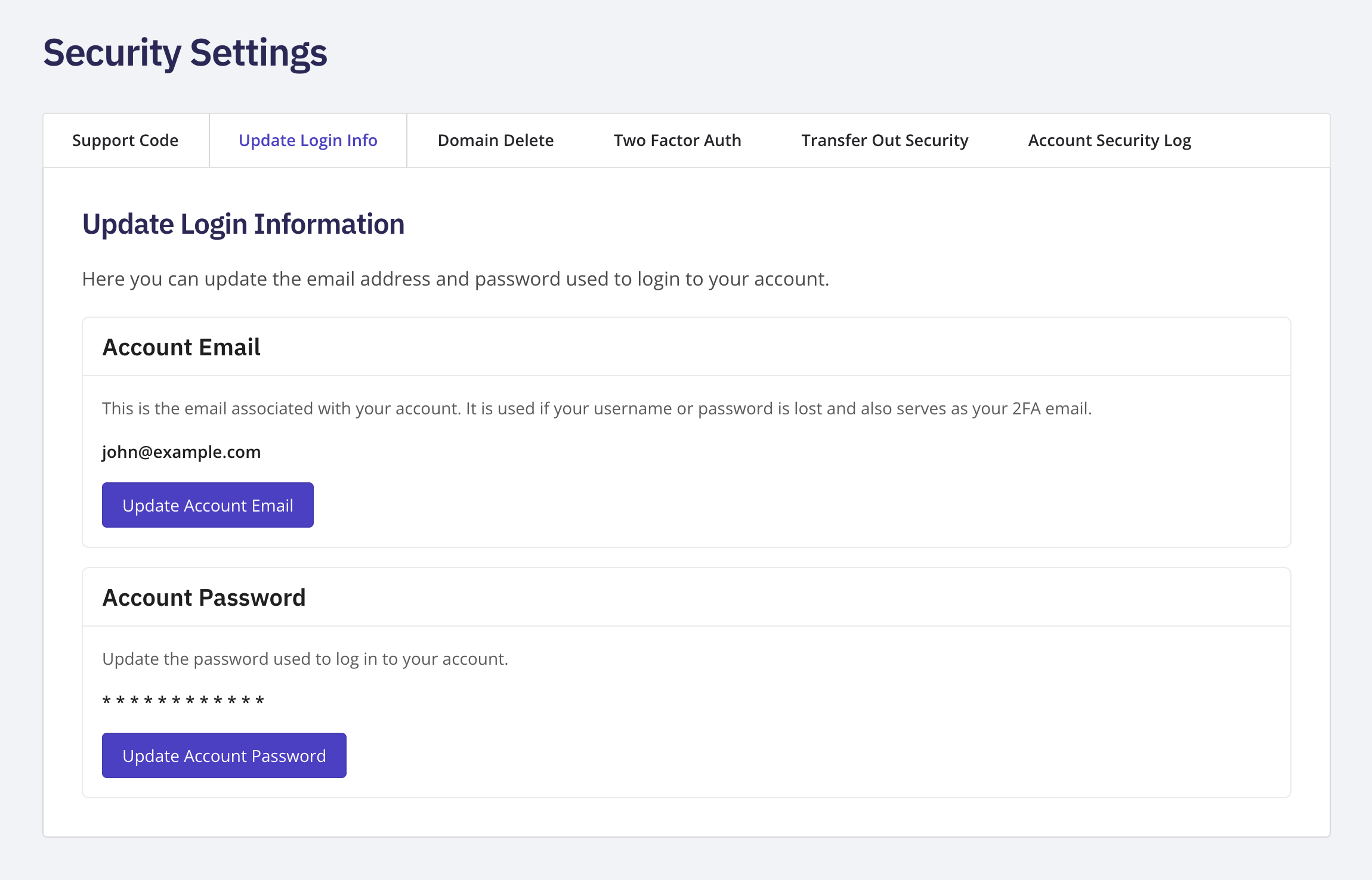
  3. Select Update Login Information .

  4. To change your email, select Update Account Email under the Account Email card.

  5. To change your password, select Update Account Password under the Account Password card.

  6. Complete the change on the secure page that opens.
This is different from the Forgot Password and Forgot Username flows on the Log In page, which are for when you can't log in at all. Use this guide instead when you're already logged in and just want to change your email address or password.

The Update Login Information page showing the Account Email and Account Password cards

Related