Generate a Support Code

GUIDE-11.3 · 1 min · Updated September 2026

  1. Log in to your NameBright account.

  2. Go to My Account , then Security Settings .

  3. Select Support Code .

  4. Select Generate to create a code. NameBright shows the code along with the exact date and time it expires.

  5. Give the code to the support agent you're working with.
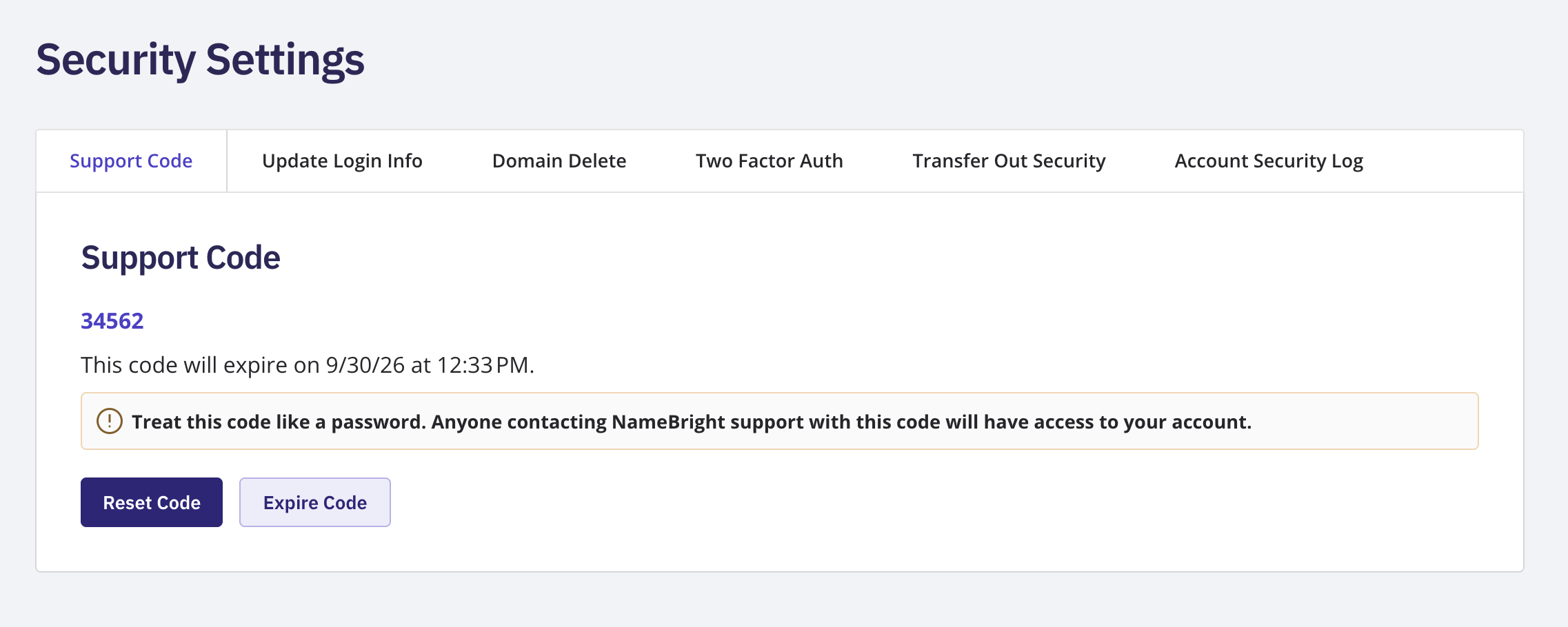
You can reset or expire the code from the same page at any time. Treat a support code like a password — anyone who gives it to NameBright support gets access to your account.

The Support Code page showing the generated code and its expiration date and time

Related