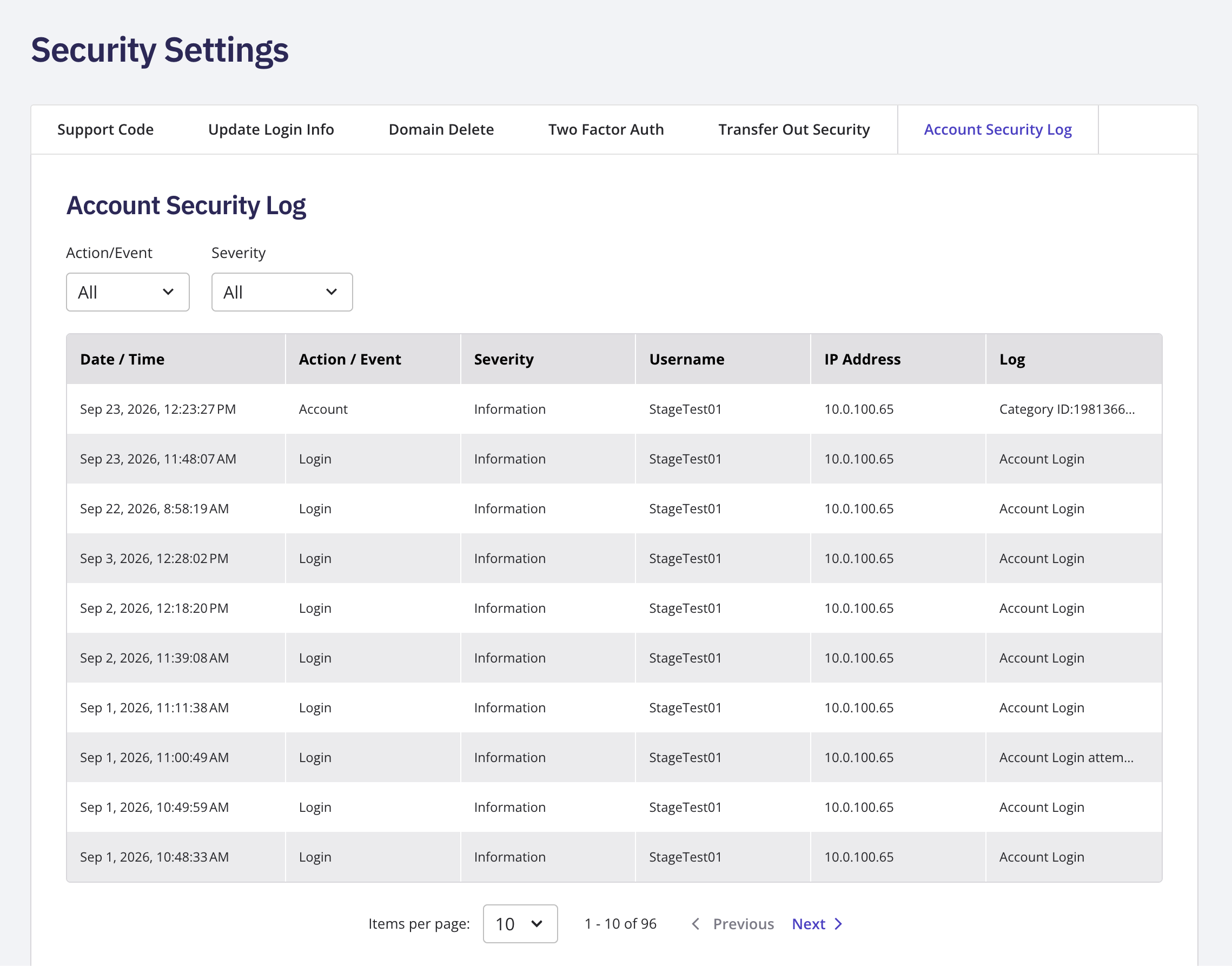
Review Your Account's Security Log
Go to My Account and open Security Settings . Open the Account Security Log .
Customer Guides
Review your account’s security log, respond to a hold, generate a support code, update your login email or password, and set up GDPR Privacy.
Still need help?
Our support team is available Mon–Fri, 8am–5pm Mountain Time. For urgent issues outside business hours, submit a ticket and we'll respond first thing.
Contact Support