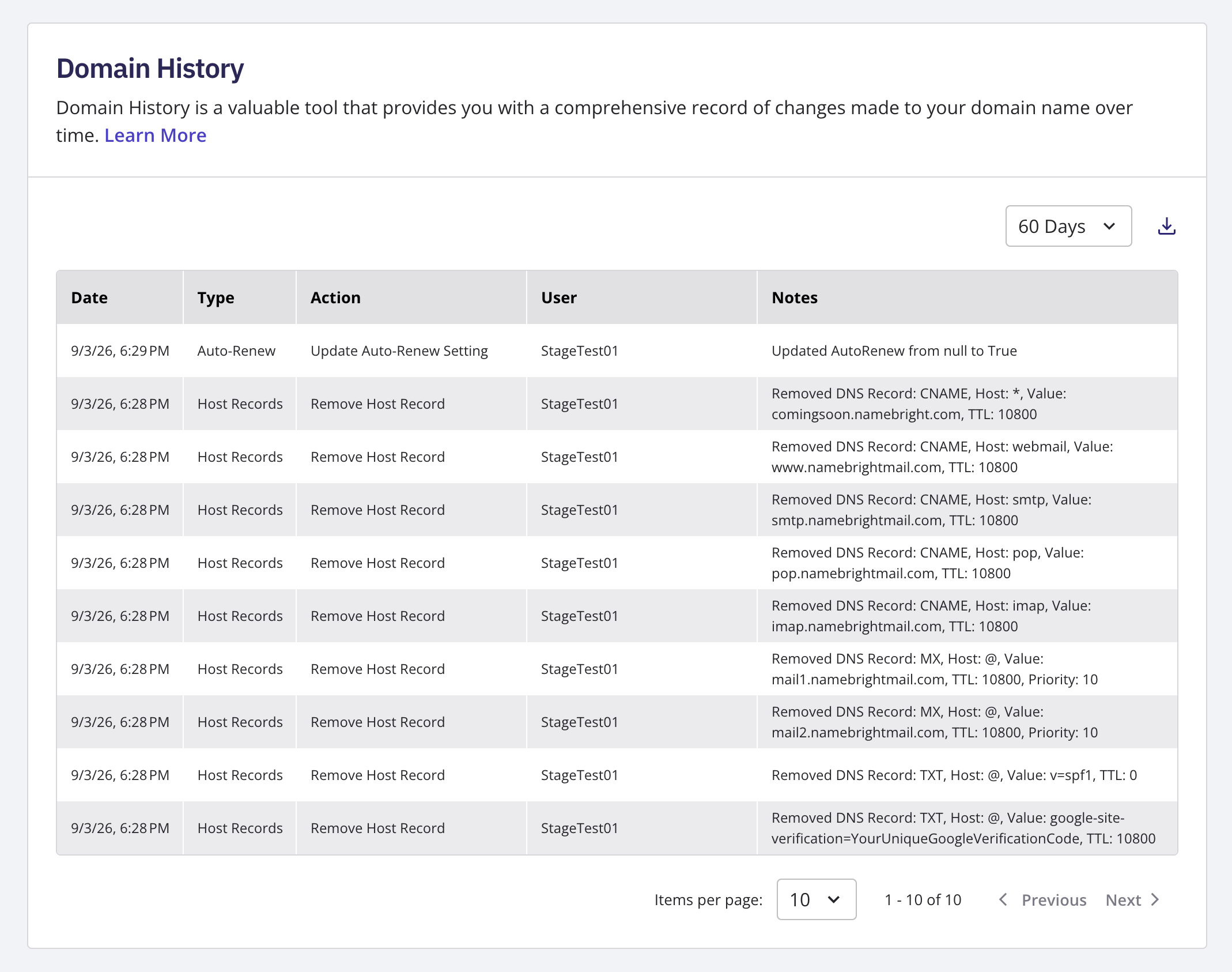
View a Domain's History
Notes hold your own free-text notes about that domain. You can't save a blank note — NameBright disables the save button and shows "A note is required" until you enter text. A successful save shows "Note Saved"; if something goes wrong, it shows "Note Save Failed."
Log in to your NameBright account. Go to Domain Manager and select a domain. Select Domain History from the settings menu in the top right To add a note, enter your text and select Save .