Delete a Domain
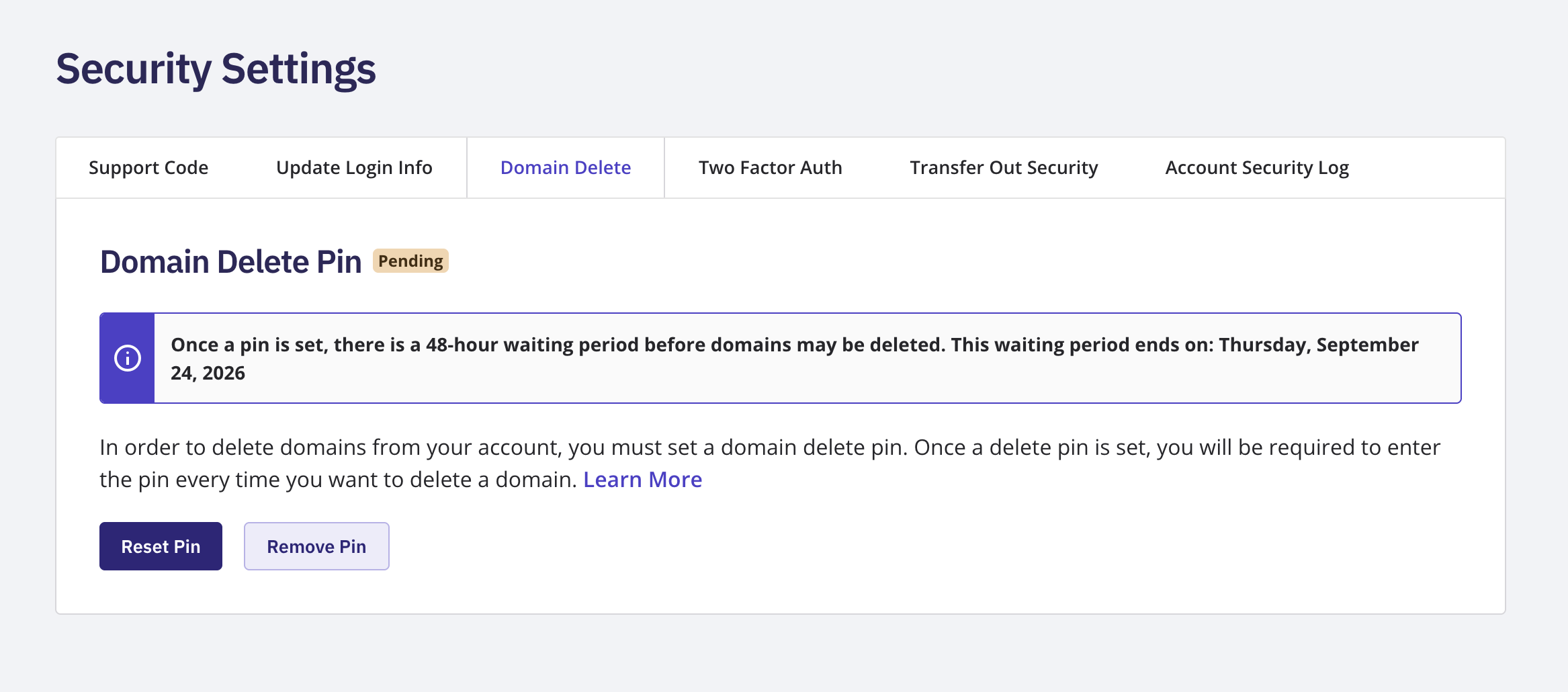
Log in to your NameBright account. This must be your primary account — deleting a domain isn't available on a delegate account. Go to My Account , then Security Settings . Select Domain Delete . If you haven't set a PIN yet, set one now. This starts a mandatory 48-hour waiting period before you can delete any domain, and there's no way to skip it. Once the waiting period ends, the page's status badge shows Enabled , and you can use your PIN to delete a domain. At the bottom of the domain overview page, click the Delete button and input your pin