Register Domains in Bulk
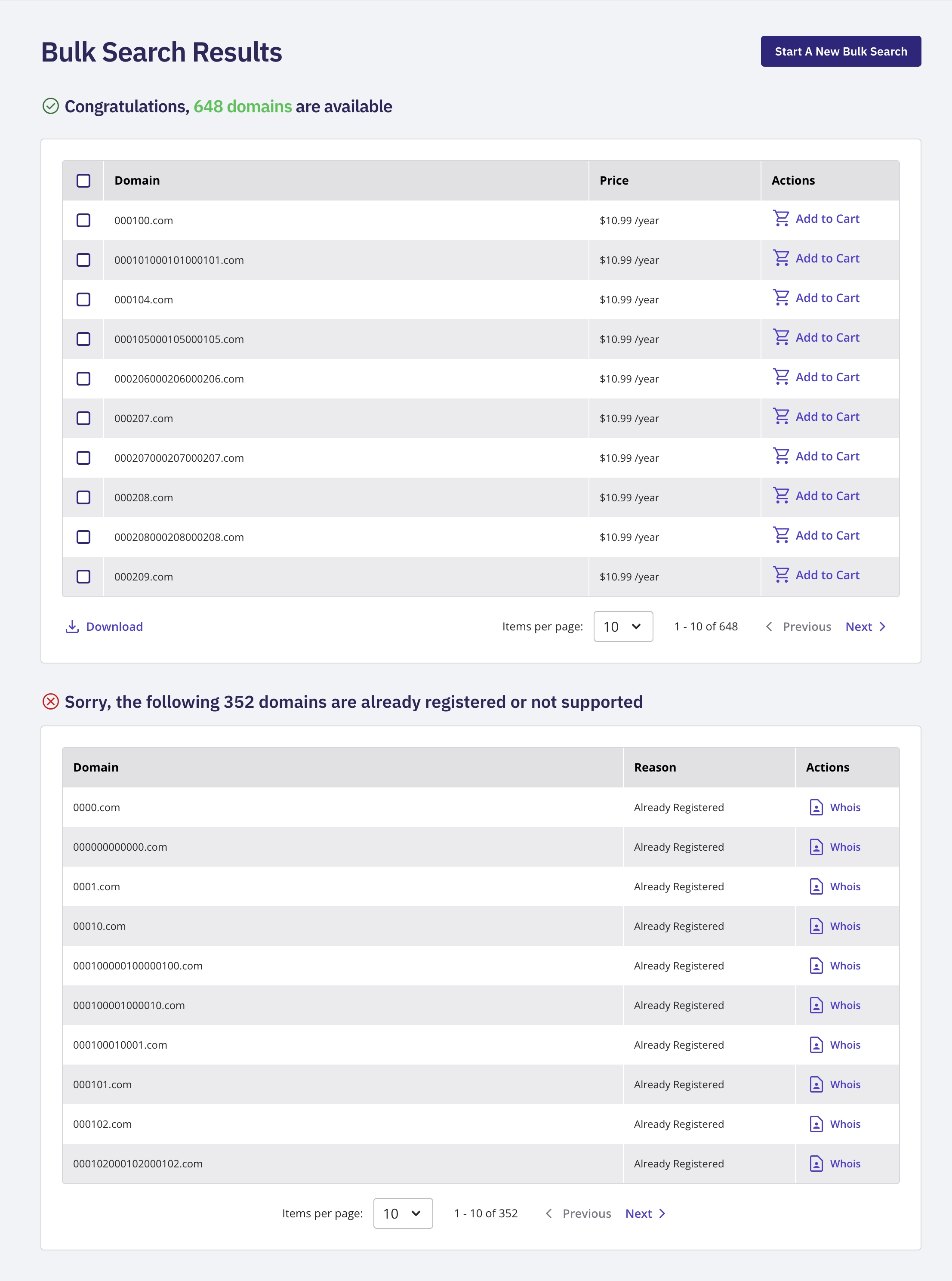
Log in to your NameBright account. Select Bulk Search from the left-hand navigation. Enter your list of domain names or keywords, one per line. Select Search . Select the domains you want from the results. Multi-select individual checkboxes, or use the select-all checkbox in the table's header row to select every result at once. Select Add to Cart . Proceed through checkout as described in Search for an Available Domain, choosing a registration length and payment method for the batch.