Set the Account-Wide Auto-Renewal Timing
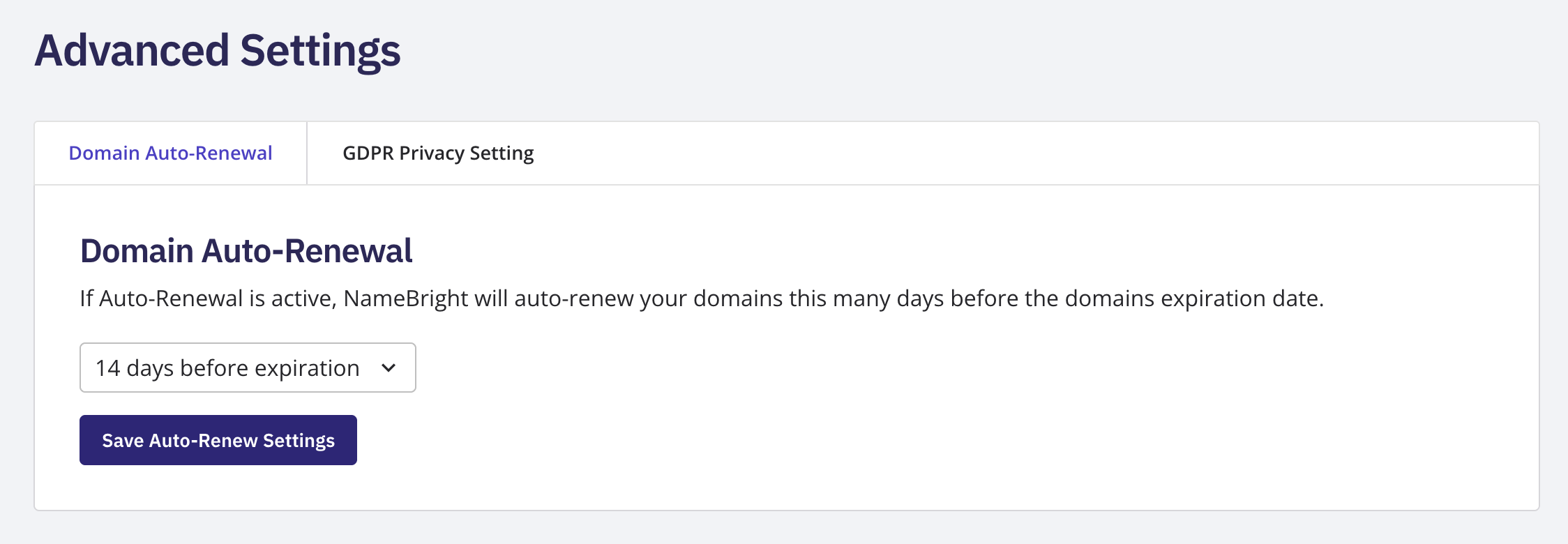
Log in to your NameBright account. Go to My Account , then Advanced Settings . Select Domain Auto-Renewal . Choose how many days before a domain's expiration date you want auto-renew to fire. Select Save .
Customer Guides
Turn on auto-renew, set the account-wide renewal timing, renew domains one at a time or in bulk, and recover a domain after it expires.
Still need help?
Our support team is available Mon–Fri, 8am–5pm Mountain Time. For urgent issues outside business hours, submit a ticket and we'll respond first thing.
Contact Support