Pre-Fund Your Account
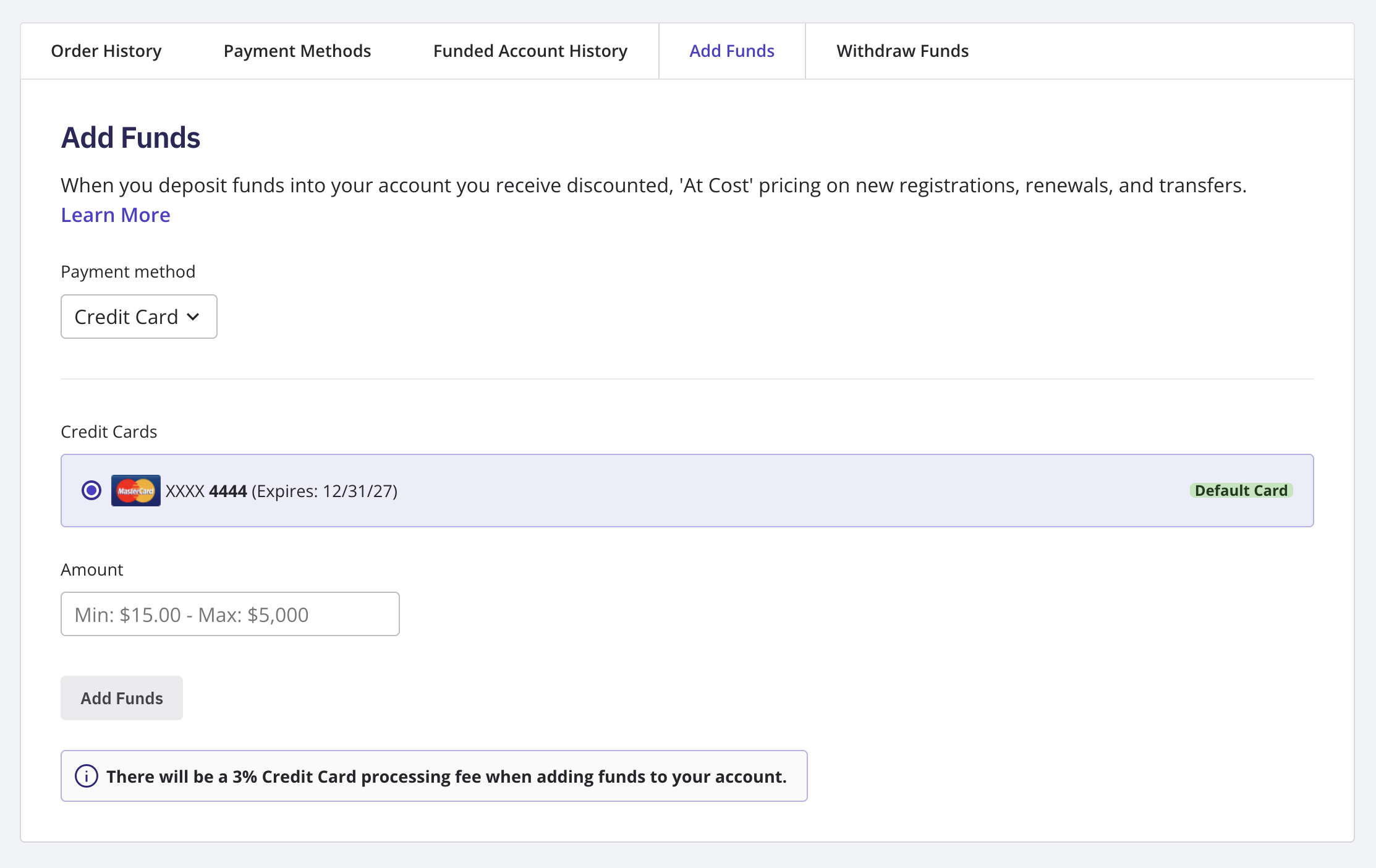
Log in to your NameBright account. Go to My Account / Account Billing . Select Add Funds . Choose how you want to fund your account: credit card, PayPal, or bank wire. Complete the deposit.
Customer Guides
Manage your payment method, read an invoice, and pre-fund your account for at-cost pricing.
Still need help?
Our support team is available Mon–Fri, 8am–5pm Mountain Time. For urgent issues outside business hours, submit a ticket and we'll respond first thing.
Contact Support